Purchases
Why track purchases?
App Store Connect purchase data lags by several hours and requires frequent re-authentication. TelemetryDeck gives you purchase data within seconds.
You can track purchases through:
- The TelemetryDeck Swift SDK directly
- RevenueCat integration
- FreemiumKit integration
Live data vs. correct data
TelemetryDeck does not handle refunds or detect subscription renewals. For long-term or 100% correct revenue data, use official sources like App Store Connect.
Using the TelemetryDeck Swift SDK
Pass a StoreKit transaction to the convenience method:
This automatically:
- Extracts the price from the transaction
- Converts the currency to USD (using built-in exchange rates)
- Determines if it's a subscription or one-time purchase
- Detects free trial starts vs. paid conversions
- Includes the storefront country and currency codes
Requirements
Requires iOS 15+. Accepts optional parameters and customUserID for additional context.
Automatic trial conversion detection
The SDK includes a TrialConversionProcessor that monitors StoreKit Transaction.updates in the background. When a user transitions from a free trial to a paid subscription, it automatically fires TelemetryDeck.Purchase.convertedFromTrial. No additional code needed.
Using TelemetryDeck with RevenueCat
See our RevenueCat Setup Guide.
Using FreemiumKit
Add FreemiumKit's .onPurchaseCompleted view modifier to your main view — it passes the transaction parameter directly to TelemetryDeck.purchaseCompleted(transaction:). See their setup guide.
Manual signal construction for other platforms
Warning
Only needed if you are NOT using the TelemetryDeck Swift SDK.
Required fields
- Event name:
TelemetryDeck.Purchase.completed floatValue: The purchase amount in USD
Currency conversion
You must convert the transaction value to USD before sending. Use an exchange rate API (1,500 free requests/month) or hard-code approximate rates.
Optional parameters
TelemetryDeck.Purchase.type:subscriptionorone-time-purchaseTelemetryDeck.Purchase.countryCode: Storefront country codeTelemetryDeck.Purchase.currencyCode: Storefront currency code
Example
let priceInUSD = convertToUSD(transaction.price, from: transaction.currencyCode)

await TelemetryDeck.event(
    "TelemetryDeck.Purchase.completed",
    parameters: [
        "TelemetryDeck.Purchase.type": transaction.subscriptionGroupID != nil
            ? "subscription" : "one-time-purchase",
        "TelemetryDeck.Purchase.countryCode": transaction.storefrontCountryCode,
        "TelemetryDeck.Purchase.currencyCode": transaction.currencyCode ?? "???"
    ],
    floatValue: priceInUSD
)
Privacy
If you already use RevenueCat or a similar service, you're already sending more data to them than TelemetryDeck collects. No privacy label changes needed.
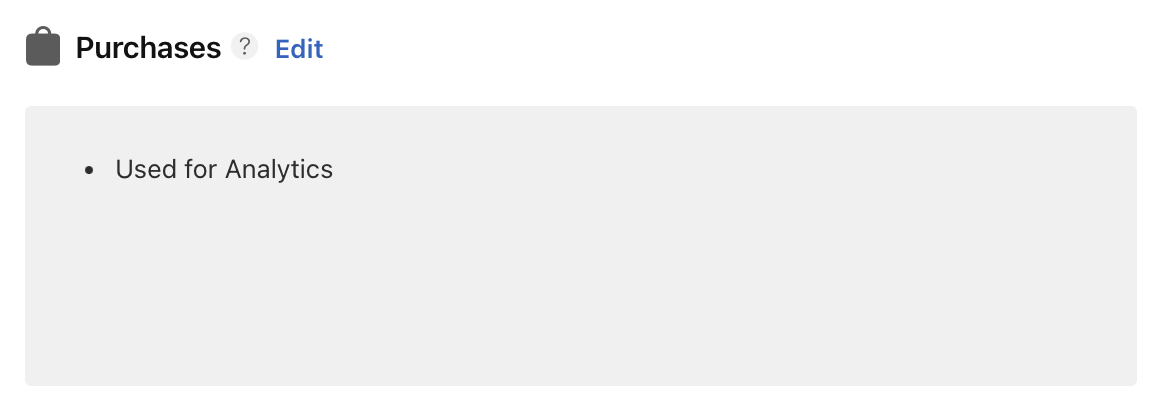
If tracking purchases directly, mark "Analytics" under "Purchase History" in your App Privacy page. Answer all subsequent questions with "No".