Duration signals
How it works
Bracket an activity with two calls — start and stop. The SDK handles timing, background exclusion, and parameter merging automatically.
await TelemetryDeck.startDurationEvent("activityName")

// ... user performs the activity ...

await TelemetryDeck.stopAndSendDurationEvent("activityName")
The duration is included as TelemetryDeck.Signal.durationInSeconds with millisecond precision (3 decimal places).
SwiftUI view lifecycle
struct TutorialView: View {
    var body: some View {
        VStack {
            Text("Welcome to the Tutorial!")
        }
        .onAppear {
            Task { await TelemetryDeck.startDurationEvent("tutorial") }
        }
        .onDisappear {
            Task { await TelemetryDeck.stopAndSendDurationEvent("tutorial") }
        }
    }
}
Both functions accept optional parameters for additional context.
SDK requirements
- Swift SDK: 3.0.0 or later
- Kotlin SDK: 4.1.0 or later
- Flutter SDK: 2.1.0 or later
Edge cases
- Multiple starts: Calling
startDurationEventwith an already-tracked name discards the previous tracking and starts fresh. - Missing stop: A duration event that's never stopped is never sent.
- App restarts: Duration events survive app restarts via persistent storage.
- Background time: Excluded by default. Pass
includeBackgroundTime: trueto include it:
Cancelling a duration event
If the activity is abandoned before completion:
Analyzing duration data
Duration data is sent as a numerical value in the TelemetryDeck.Signal.durationInSeconds parameter. The histogram aggregation is a natural fit for visualizing distribution.
Histogram query
-
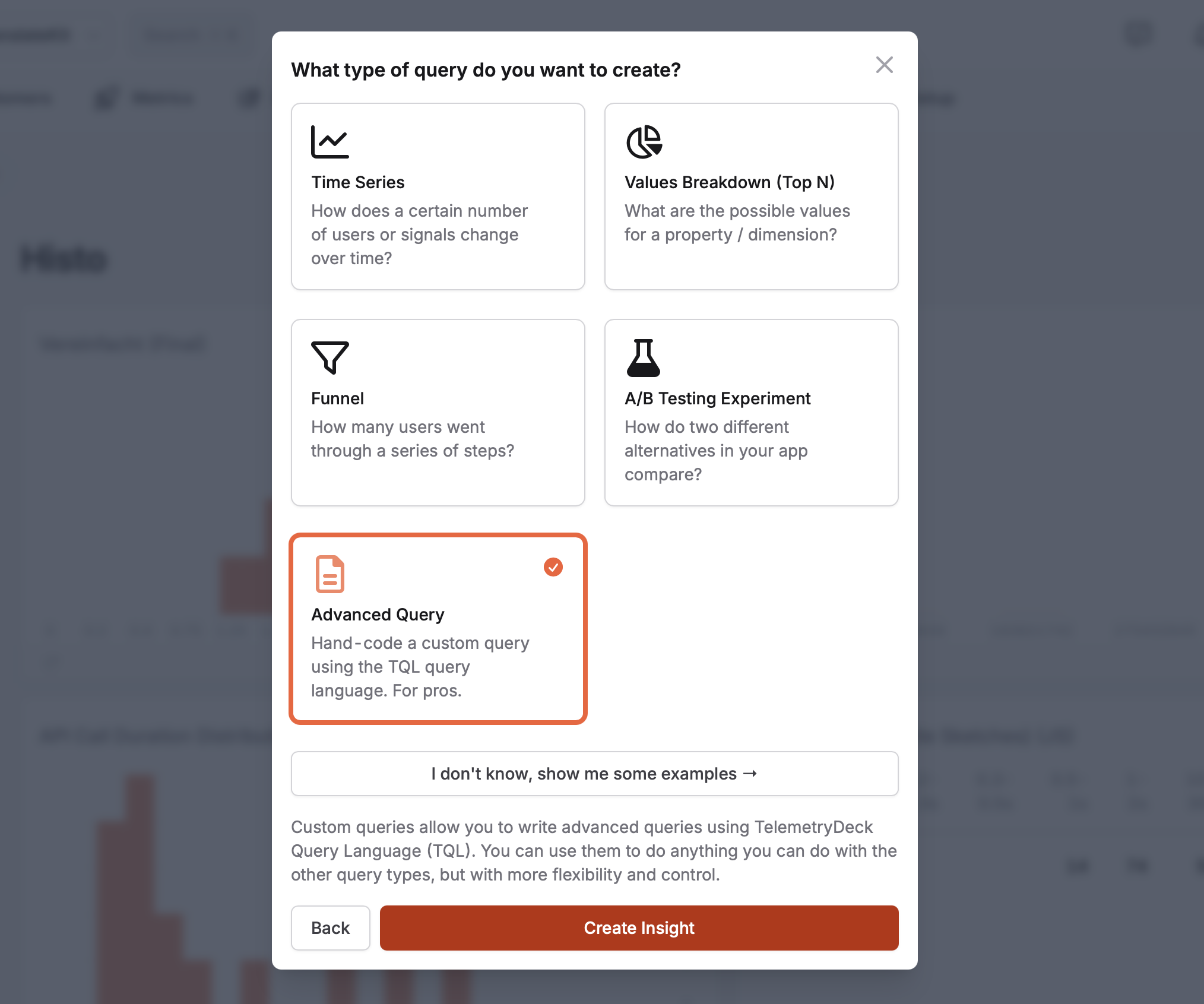
Create a new insight of type "Advanced Query", then open the "JSON Editor":
-
Paste this histogram aggregation query, replacing
<YOUR_EVENT_NAME>: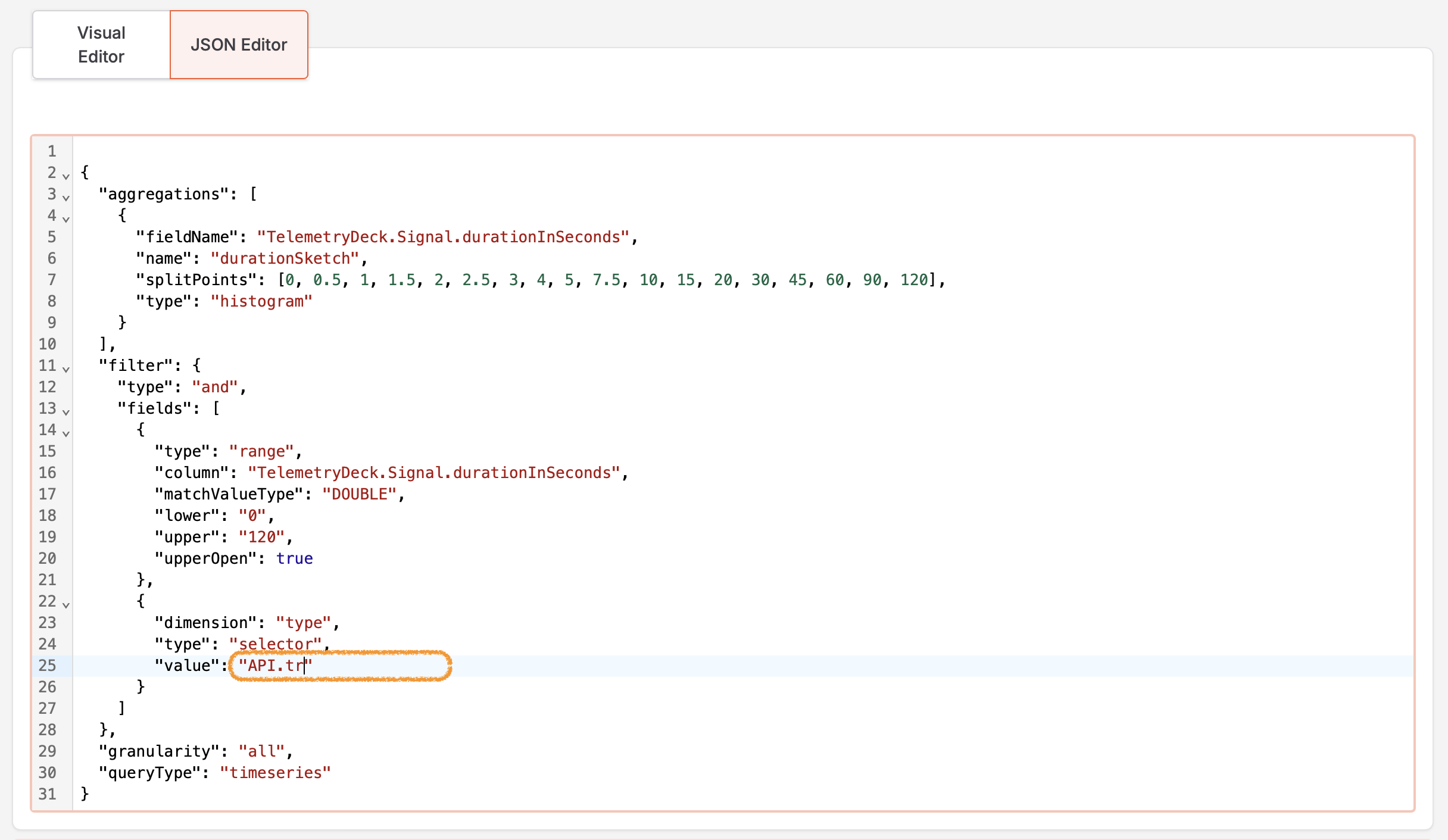
{ "aggregations": [ { "fieldName": "TelemetryDeck.Signal.durationInSeconds", "name": "durationSketch", "splitPoints": [0, 0.5, 1, 1.5, 2, 2.5, 3, 4, 5, 7.5, 10, 15, 20, 30, 45, 60, 90, 120], "type": "histogram" } ], "filter": { "type": "and", "fields": [ { "type": "range", "column": "TelemetryDeck.Signal.durationInSeconds", "matchValueType": "DOUBLE", "lower": "0", "upper": "120", "upperOpen": true }, { "dimension": "type", "type": "selector", "value": "<YOUR_EVENT_NAME>" } ] }, "granularity": "all", "queryType": "timeseries" } -
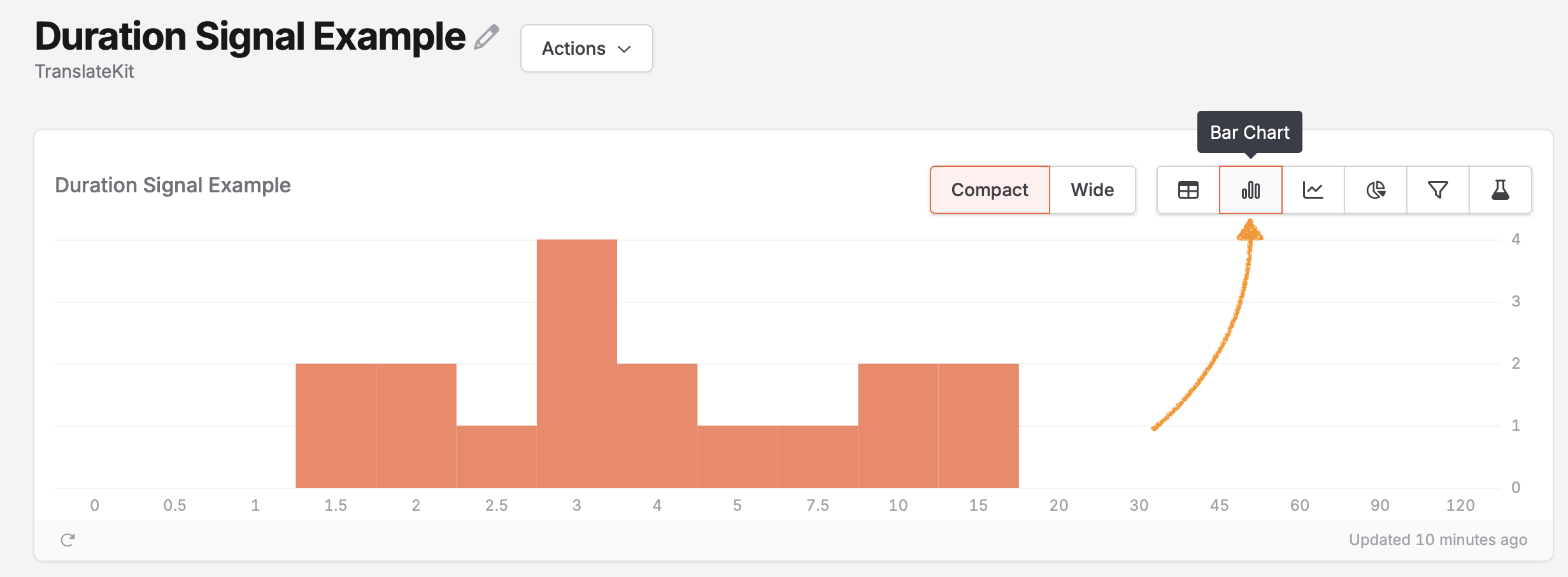
Set the chart type to bar chart:
-
Adjust
splitPointsto match your expected durations:- Short interactions (button clicks):
[0, 0.05, 0.1, 0.15, 0.2, 0.3, 0.5, 1, 2, 5] - Medium interactions (form fills):
[0, 1, 2, 3, 4, 5, 7.5, 10, 15, 20, 30] - Long interactions (content consumption):
[0, 5, 15, 30, 60, 120, 300, 600, 1200]
- Short interactions (button clicks):
Examples
Onboarding steps
await TelemetryDeck.startDurationEvent("Onboarding.step1")

// When moving to step 2
await TelemetryDeck.stopAndSendDurationEvent("Onboarding.step1", parameters: [
    "pushAccess": "granted"
])
await TelemetryDeck.startDurationEvent("Onboarding.step2")
Duration events are regular events, so you can reuse them in funnel charts.
Content engagement
await TelemetryDeck.startDurationEvent("Content.viewing", parameters: [
    "contentType": "article",
    "contentID": article.id,
    "contentCategory": article.category,
])

// When leaving the article
await TelemetryDeck.stopAndSendDurationEvent("Content.viewing", parameters: [
    "reachedEnd": userReachedEnd
])
Network request timing
func fetchData() async throws -> Data {
    await TelemetryDeck.startDurationEvent("Network.fetch", parameters: [
        "endpoint": "users/profile"
    ])

    do {
        let (data, response) = try await URLSession.shared.data(from: url)
        let statusCode = (response as? HTTPURLResponse)?.statusCode ?? 0

        await TelemetryDeck.stopAndSendDurationEvent("Network.fetch", parameters: [
            "status": statusCode,
            "success": true
        ])

        return data
    } catch {
        await TelemetryDeck.stopAndSendDurationEvent("Network.fetch", parameters: [
            "success": false
        ])
        throw error
    }
}