Test mode
During development and testing, your app sends events that aren't from real users. Test Mode keeps these separate from production analytics.
Benefits of sending test signals:
- Verify your TelemetryDeck SDK configuration before release
- Confirm new event types and parameters work as expected
- Set up insights and dashboards ahead of launch
How it works
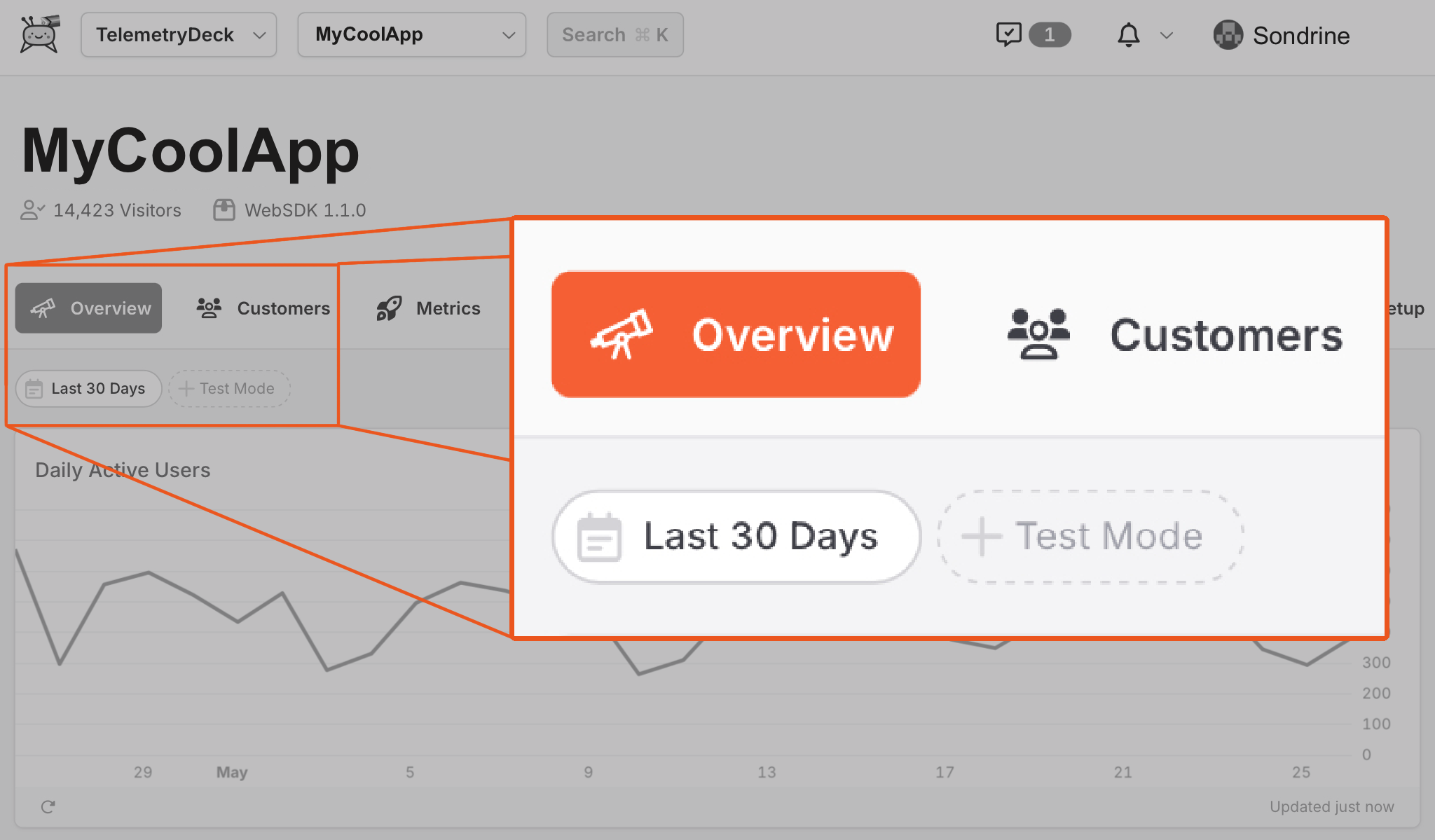
Every event has an isTestMode flag. The TelemetryDeck Dashboard has a Test Mode toggle in the upper left — flip it to switch between test and production data. A banner reminds you when you're viewing test data.
Automatic detection
The SDKs detect test mode automatically. In the Swift SDK, events sent from DEBUG builds are marked as test signals by default.
Manual override
Swift SDK
Override test mode at initialization:
try await TelemetryDeck.initialize(
    appID: "YOUR-APP-ID",
    namespace: "YOUR-NAMESPACE",
    testMode: true
)
Check the current test mode state at runtime:
JavaScript SDK
Or set it per-signal: